Club fee records for sports clubs.
Who has paid, whose due date is approaching, and which transfers still need checking? Keep fee amounts, due dates and payment statuses together, with views for administrators and families.
Interactive preview on the homepage, no registration needed.
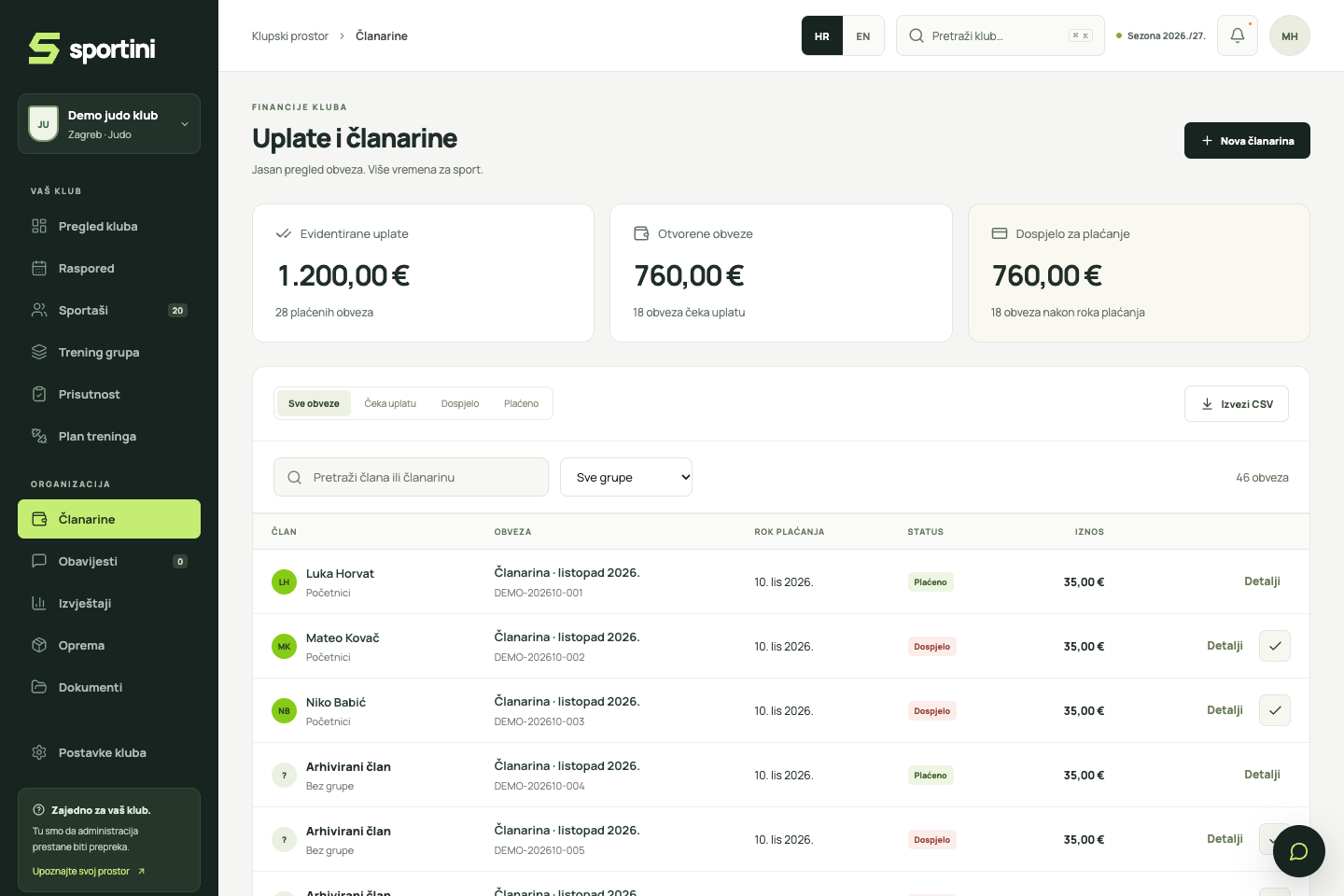
From issuing a fee to recording a payment.
Prepare the fee
Choose members or a group, then enter the amount, description and due date. Each fee stays linked to its member, so you do not need a separate spreadsheet for every month.
Members see the payment details
Members or linked parents see the fee and payment details in their own view. They can scan the HUB3 2D barcode in a banking app that supports this payment method.
Check the bank and record the payment
When the money reaches the club’s account, check the bank statement and mark the fee as paid. Sportini does not detect bank transfers automatically; scanning the code prepares the bank payment order.
Find fees that need attention
Filter fees by status or group, search for a member and export the records as CSV. Administrators can see what is recorded and what still awaits payment.
Parents see their own fees. Administrators see the club’s records.
Linked parents see their children’s fees, amounts and due dates, without access to other families’ balances. Administrators see the club’s fee records according to their permissions. Payments go straight to the club’s bank account.
Questions from everyday club life.
Does Sportini confirm payments automatically?
No. Administrators check the bank statement and mark the fee as paid. Displaying a code or preparing an order does not confirm that a transfer was completed.
Can parents see their children’s fees?
Yes, once the club links the parent to their children’s profiles. The family view shows their fees and payment details.
Can I export the fee records?
Yes. Export a CSV from the payments screen for further work in a spreadsheet. This exports the records; it does not reconcile them with the bank automatically.
See how your club could work.
Try the core tools with fictional data.